How to see and export your guest list
Your guest list fills up as tickets sell, and updates live at the door as people are scanned in.
Step 1 of 3
Open Guests
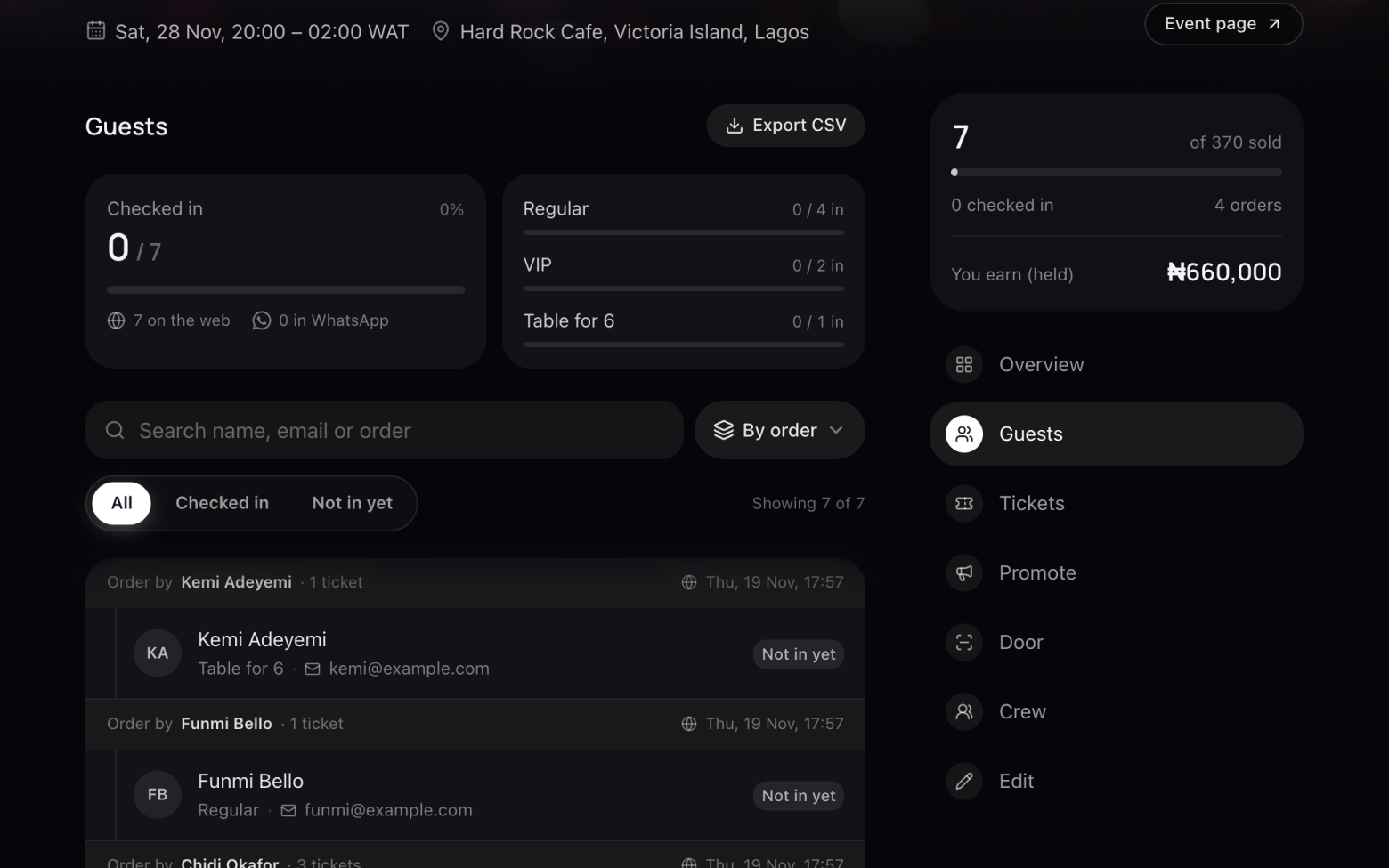
- Open your event and click Guests.
- At the top you see how many are checked in, and each ticket type's count.
Step 2 of 3
Find someone
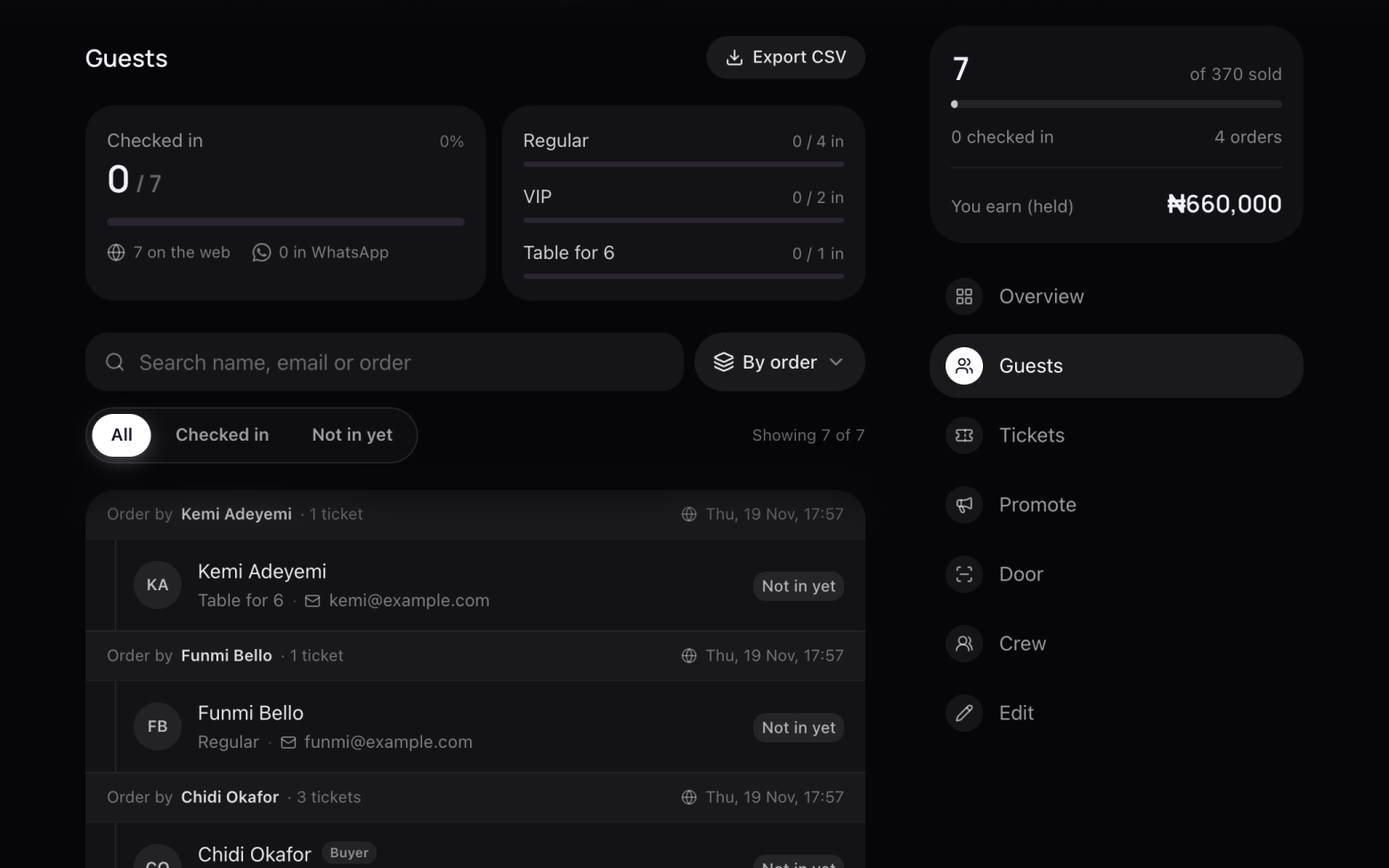
- Search by name, email or order reference.
- Filter by All, Checked in or Not in yet, and group by order or by ticket type.
Step 3 of 3
Download the list
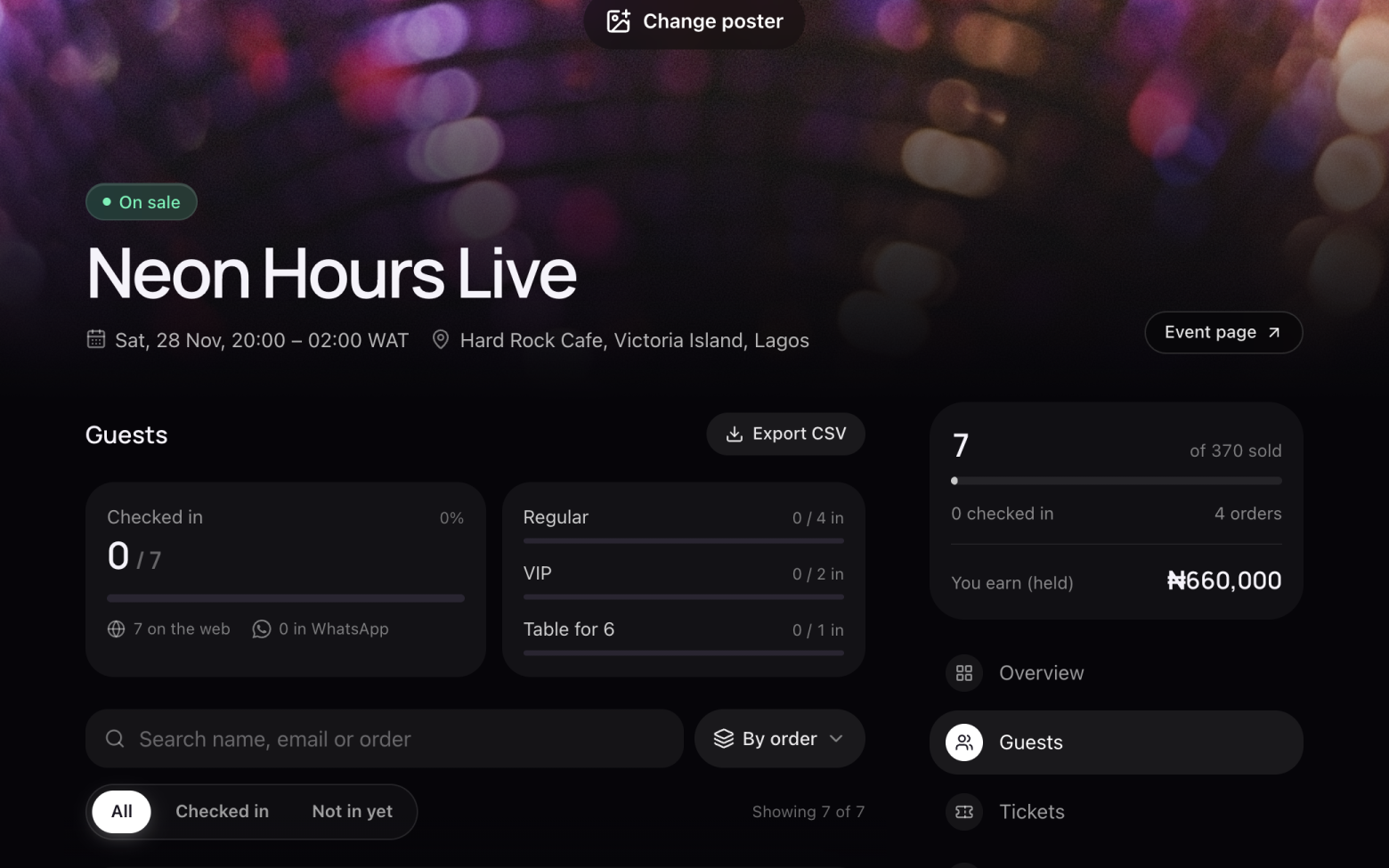
- Click Export CSV to download everyone, ready for a spreadsheet or to print.
Still stuck? Email support@entrans.app and tell us what you were trying to do.
Next guideHow to verify your identityMore on hosting an event
- How to create an event
- How to add and edit ticket types
- How to set the service fee, order limit and refund policy
- How to share your event
- How to update your event
- How to create a discount code
- How to scan tickets at the door
- How to add people to your crew
- How to add your bank account and withdraw
- How to cancel an event